
Printed in Santa Clara, CA
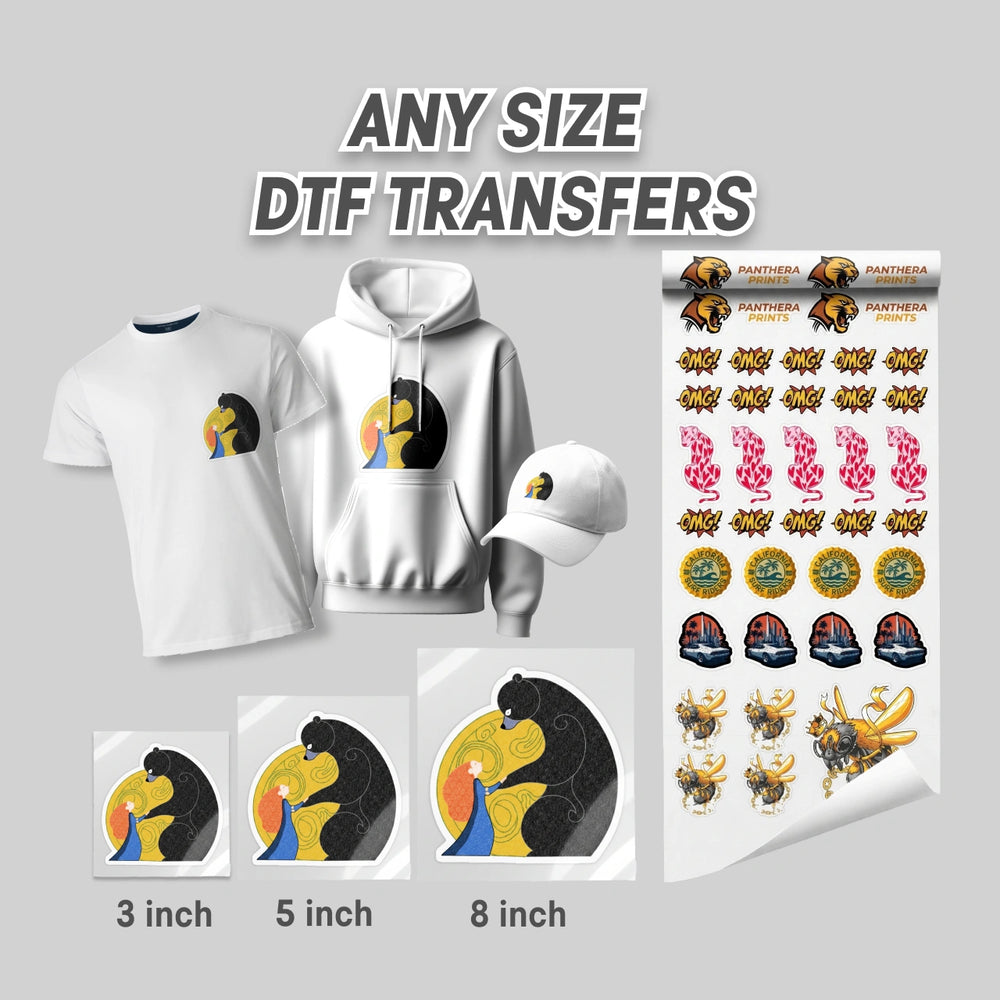
Custom DTF Transfers by Size
4.8Upload any design, see it on a real shirt at true size, and order from $0.39 each. No minimum.
- We check every file before printing
- Ships same day if ordered by 2 PM PT
- Free pickup in Santa Clara
- 1Upload your design
- 2Pick the size
- 3Finish & quantity
Drag your design to move it, pull the orange dot to resize. The size you pick is the size we print.
Compare
Lower prices than other US DTF suppliers
Price for one transfer, before shipping. Bulk discounts make it even lower.
Typical price is the median one-piece price at 7 US online DTF suppliers, checked November 7, 2026. Prices elsewhere can change.
How it works
From your file to your shirt in three steps
- 1
Upload your design
PNG, JPG, PDF, SVG, AI or PSD. Add as many designs as you need.
- 2
Pick the size
We suggest the biggest size your file prints sharp at, and show it on a real shirt at true size.
- 3
Press it at home
310°F, 12–15 seconds, medium pressure. Peel hot or cold.
Size guide
Not sure which size? Start here
Most orders use one of these sizes. The builder above also suggests the best size for your file and shows it on a T-shirt, hoodie or tote at real size.
- 3.5–4″Left chest logo
- 3″Sleeve or neck tag
- 8–9″Youth front
- 10–11″Adult front
- 12″Full back
 11″ front
4″ left chest
Pricing
Clear prices, no setup fees
Every design in your order counts toward the bulk discount. The discount applies in the cart automatically.
Why order from Panthera
Same-day shipping
Order by 2 PM PT Monday to Friday and your transfers ship the same day.
Free local pickup
Pick up your order at our shop in Santa Clara, CA.
Every file checked
Our team looks at every file before printing and emails you if something needs attention.
No minimum
Order one transfer or a thousand. Bulk discounts start at 15 pieces.
Ready to see your design at real size?
Upload it above. It takes less than a minute.
They are great. We have been using the iron ons for our swag bags at health fairs.
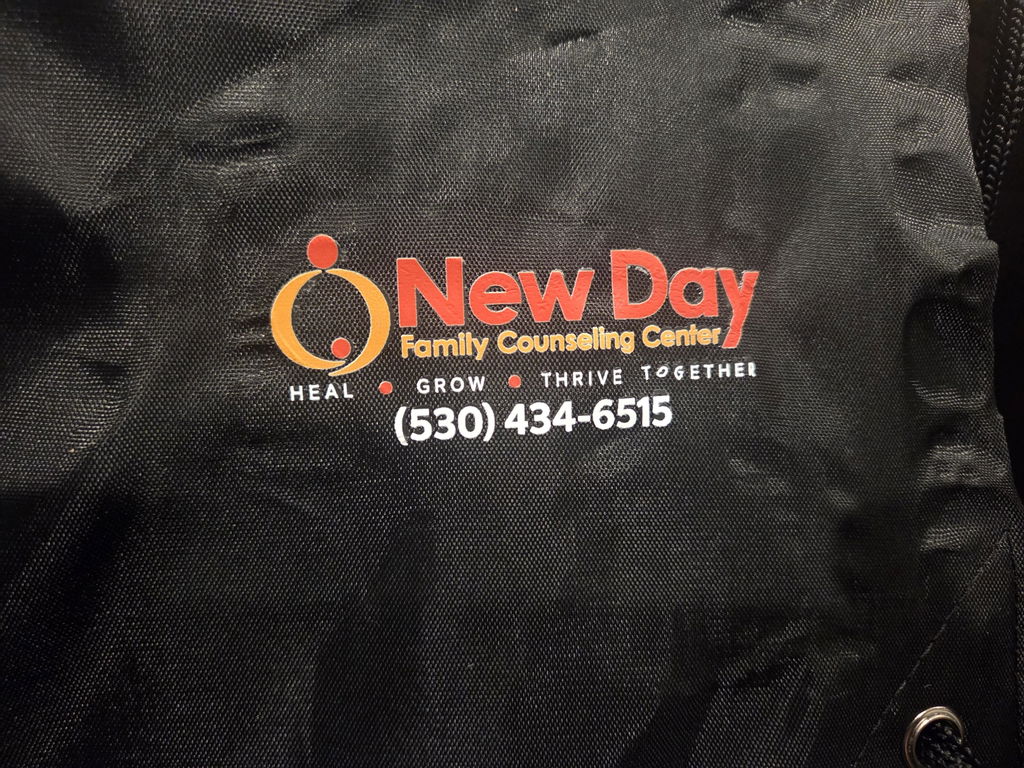
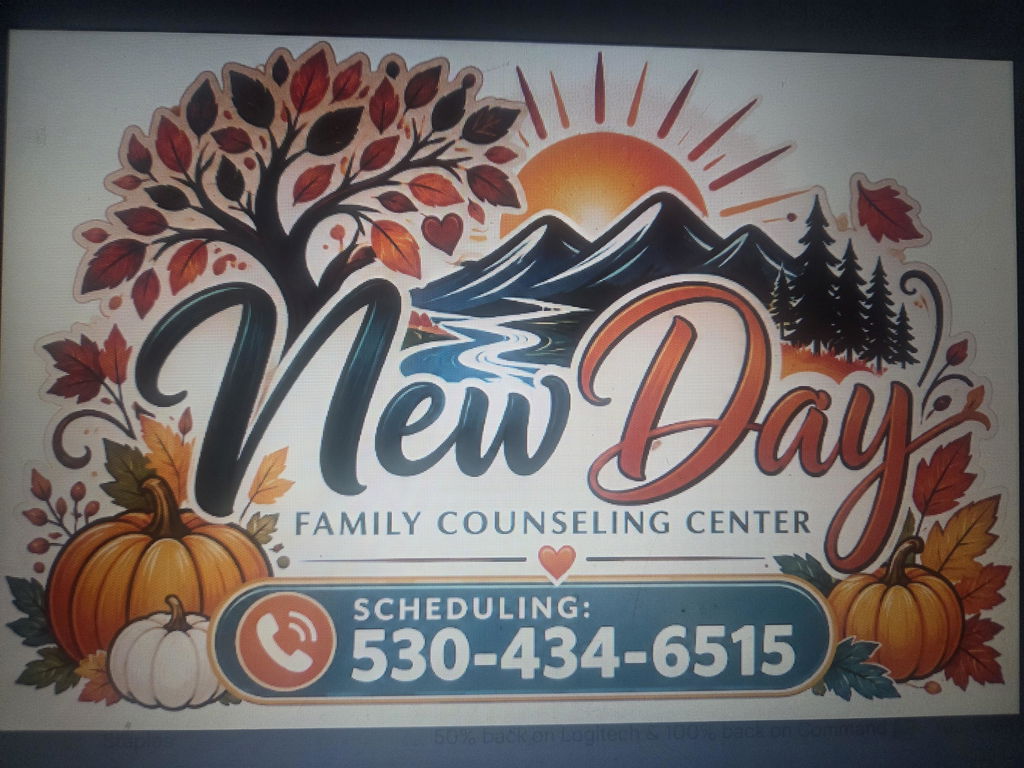
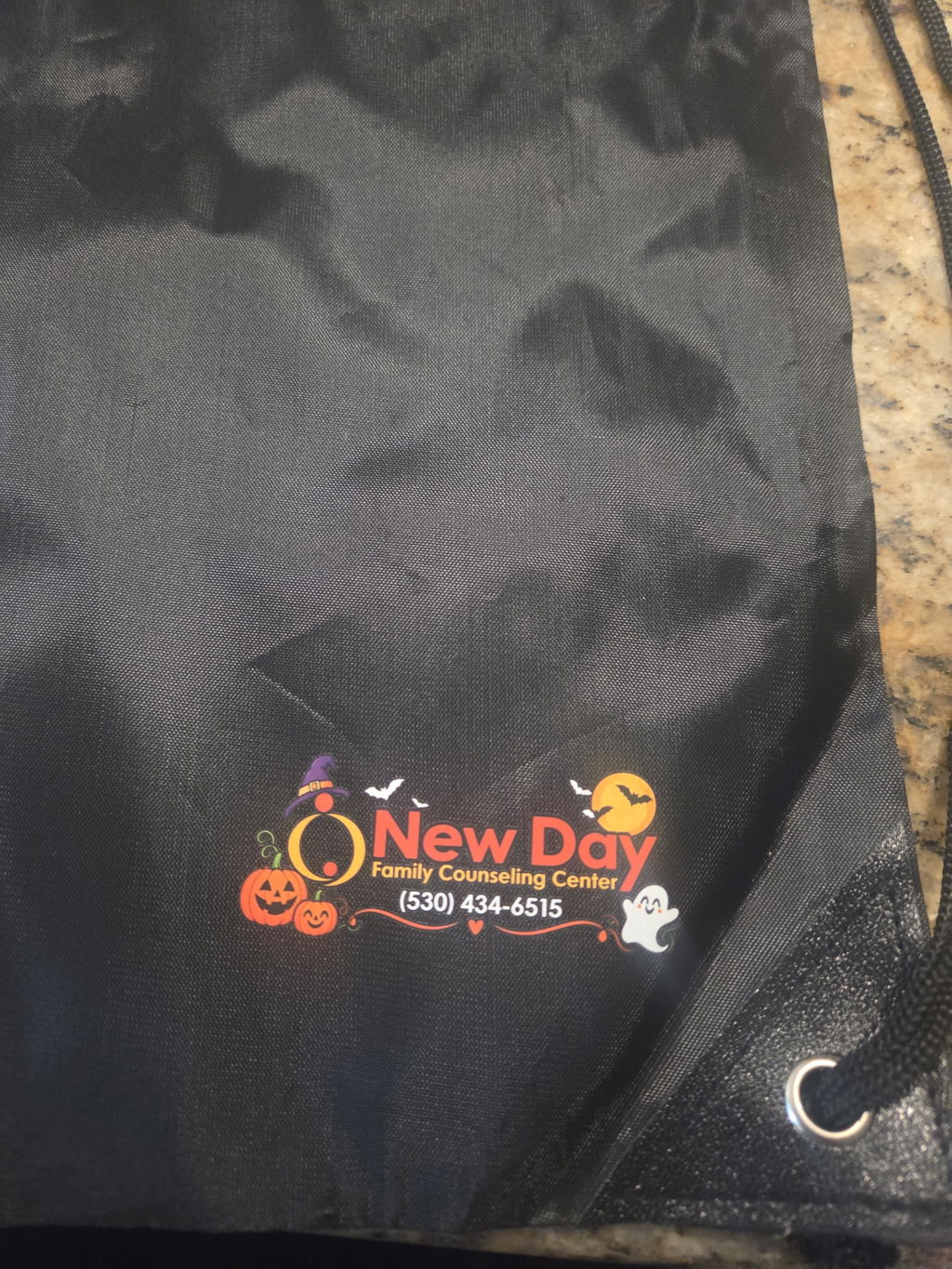
I loved how fast the shipping and the quality of the prints. This is my 3 time now ordering and will definitely be using them again.
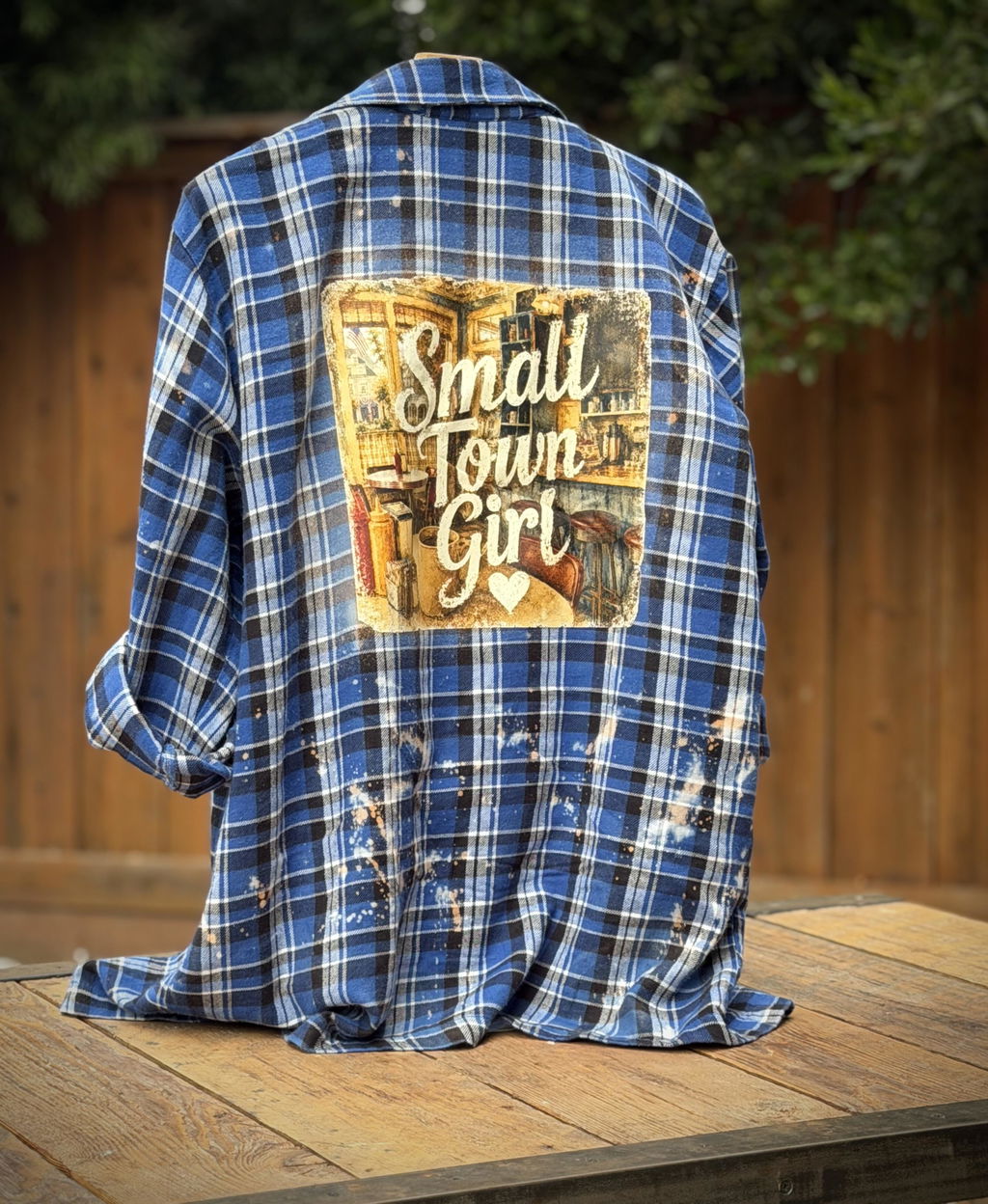
I created water bottles stickers for my wife’s birthday and they were ready within hours of ordering the quality is amazing. Great company!!
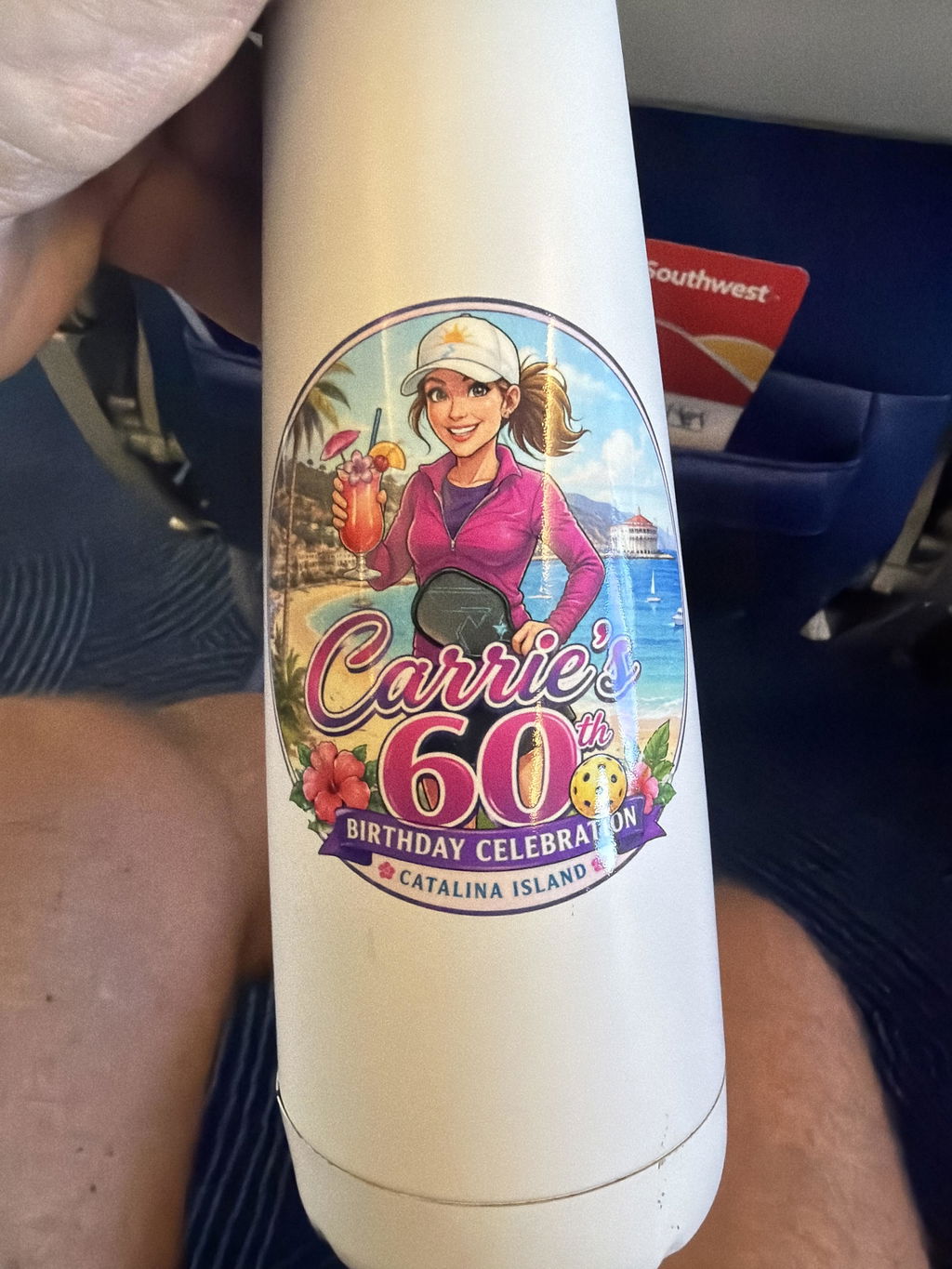
Service was fast, sent file and had 22" DTF back to me next day (Bay area to Sacramento). This had many colors and features and came out perfect. Will use again. Awesome service !!!
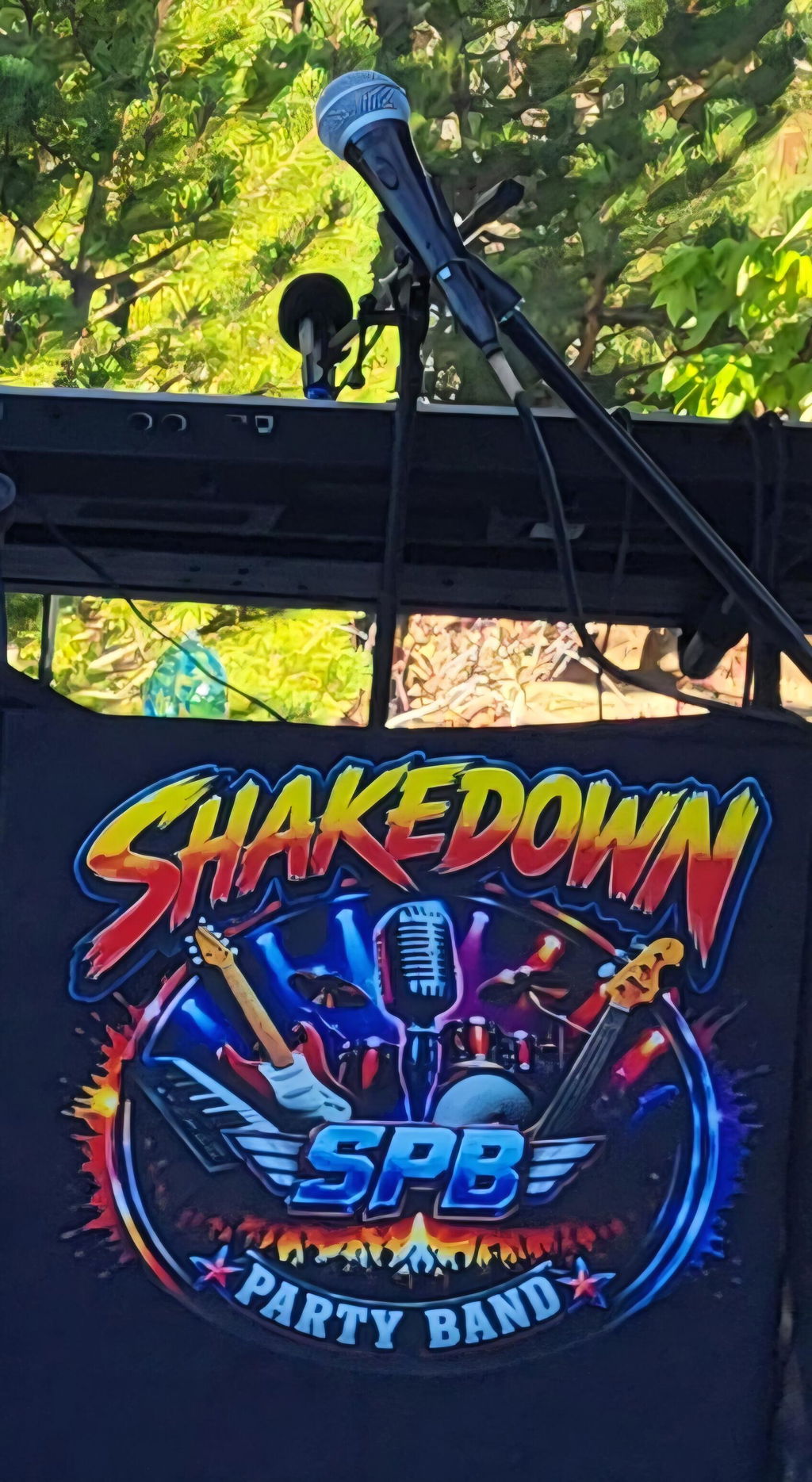
Amazing job! The shirts looked incredible
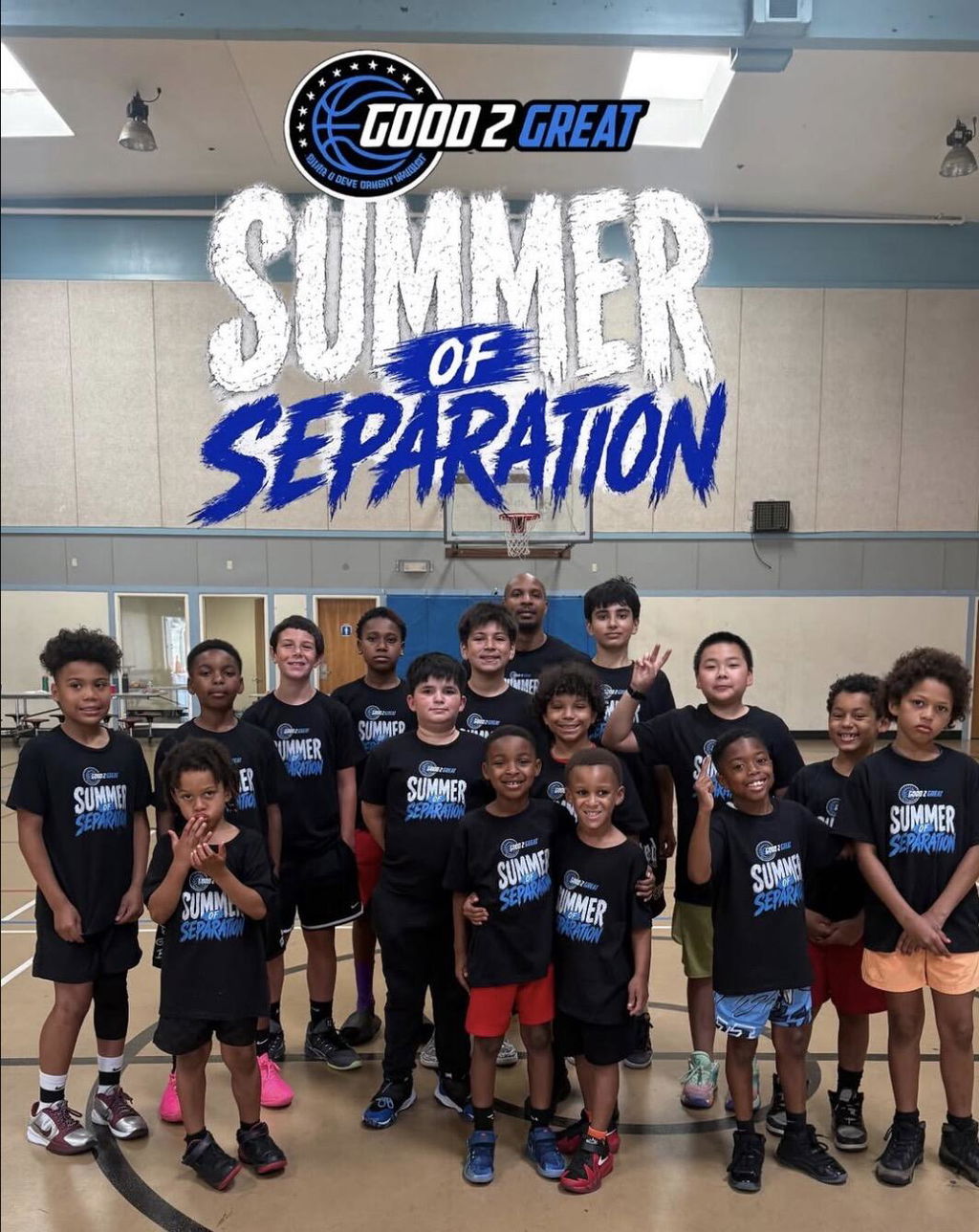
Great service, fast and reliable delivery!
Was my first time ordering loved it will order again
They came out so nice love the fast response shipping I appreciate it. Thank you for your business.
Great to work with!
I love it good and professional
I love it
Easy ordering and perfect. Thank you!
👍
5/5 stars! After a bad experience with another print shop, I needed an urgent replacement for an event and contacted Panthera Prints. Not only were their responses super fast, but they also went out of their way to help me fix my Canva design so the image quality came out crisp. The final prints exceeded my expectations. Outstanding local service—I’ll definitely be a repeat customer!
Great quality, fast service. I had an issue with one print and they were very nice about fixing it for me.
I’ve ordered twice already and I’ll definitely keep coming back.
WOW! Impressive! Super fast turn around; arrived the day after I ordered my DFT prints. DFT look fantastic and customer service was extremely responsive. Will use again!
Transfers were great quality and service was excellent!
Súper high quality. Communication with the store is awesome. Will continue to purchase from here for the foreseeable future.
I loved everything about my transaction. Customer service was wonderful and helpful. Getting my prints the same day was a life saver. The DTFs were easy to use and great quality. I will definitely be ordering again from you guys.
Fast at doing product and response.
Love the quality of these prints and how easy they are to use!
The quality of the products are good. The problem I had was with receiving my products in a timely manner. I ordered these on Sept 5th, paid for 3 day shipping, only to NOT receive my items when I was supposed to! To their credit, when I called the day after I was due to receive my items, I was met with great customer service. She walked me through the process of reordering my items, free of charge…and reshipped my items. I was able to meet the deadline that I promised my client and I’m grateful for that. However, it was a whole 10 DAYS AFTER my original order was placed that I finally received it, only now I don’t need it! I’m grateful for the way the issue was handled but I may not use them again, as this is not the first time something like this happened!
So far so good! Prints turned out great and it was super convenient to be able to pick them up!
I was never able to pick them up
arrived super fast and great quality!
pressing is very easy the only problem I had was the heat press I own automatically adjusts its own pressure which is not enough pressure to press the prints onto my shirts. My work around I did was to manually apply more pressure and max heat their instructions call for and the t shirts came out perfect! I will definitely use Panthera again.
Btw, my heat press is the cricut auto press.
Amazing every time we order. We can’t wait to order more
I must admit the quality is superb! Bright colors! Fast shipping and pick up availabilty!!
I love the fast service and the willingness to address any issues.
very pleased with the high quality prints and fast service
Excellent quality
About our DTF transfers by size
Custom DTF transfers in any size, from $0.39 each. Upload your design, pick the size, see it on a real shirt at true size, and add it to your cart. No minimum, no setup fee. The price follows the print area, so a 4 × 3.8 in logo costs the same as 4 × 4 in.
Bulk savings
15+ pieces 10% off · 50+ 20% off · 100+ 25% off · 250+ 30% off. The discount applies in the cart and counts every design in your order.
What you get
- Full-color DTF transfers printed on film, ready to press.
- Roll: your transfers come on one sheet and you cut them apart. Pre-cut: each transfer is trimmed and ready to press ($0.30 more per piece).
- Every file is checked by our team before printing. If something looks off, we email you first.
File tips
- Use 300 DPI at the final size for the sharpest print. The page warns you when a size may print soft.
- Remove the background, or tick "Remove the background for me" and our team does it for free.
- Files up to 20 MB upload with your order.
How to press
310°F (155°C), 12–15 seconds, medium pressure. Peel hot or cold, then re-press 5 seconds with a cover sheet.
Shipping and pickup
Orders placed by 2 PM PT Monday to Friday (12:30 PM Saturday) ship the same day. Local customers can pick up for free at our Santa Clara shop, 2568 Lafayette Street.
Questions shoppers ask
Is the preview really real size?
Yes. Your design is placed on real photos of a T-shirt, hoodie and tote, scaled in inches, so it is shown at the size we print.
What size should I order for a shirt?
A left chest logo is usually 3.5–4 in wide. An adult front is 10–11 in wide, and a full back is about 12 in. For youth shirts, go 8–9 in.
How much is one transfer for one shirt?
A 4 × 4 in left chest logo is $0.89 and an 11 × 11 in adult front is $4.79. There is no minimum order.
Do different designs count together for the bulk discount?
Yes. Every design you order on this page adds to the same piece count.
What file types can I upload?
PNG, JPG, WEBP, PDF, SVG, AI, EPS and PSD. A transparent PNG at 300 DPI gives the best result.
Roll or pre-cut?
Roll is cheaper and fine if you have scissors or a trimmer. Pre-cut costs $0.30 more per piece and saves time on big orders.
What do I need to press them?
A heat press is best. A household iron can work for small transfers, but the result is less even.
